How To Reset A Whirlpool Washing Machine: A No-Nonsense Guide
Ever had your Whirlpool washing machine suddenly stop mid-cycle, flashing an error code that looks like hieroglyphics? Yeah, been there. You’re staring at it like it owes you money, wondering if you should just toss your laundry in a river. Hold up! Resetting the washer often cuts through the chaos like a hot knife through butter. Here’s how you can regain control without calling in a technician or replacing the whole darn unit.
Why Reset Your Whirlpool Washing Machine?
Before you get your toolbox out, ask yourself if a reset might fix it. Think of your washer like a brainy but sometimes stubborn puppy; sometimes it just needs a clear command to get back on track. Resetting clears error codes, glitches, or bumps in the software – and yes, that does happen in washing machines. Plus, it’s one of those tricks that’s almost always worth a shot before you dive into repairs or warranty claims.

Source: www.youtube.com
Quick & Dirty: How To Reset A Whirlpool Washing Machine
Ready? Here’s the no-BS way to reset most Whirlpool washers:
- Unplug the machine from the power outlet. No skimping! Pull the plug to stop any electricity flow completely. (Yes, even if it’s a pain under the sink.)
- Wait at least 1 minute. Use this moment to catch a breath or plan your post-wash snack. This pause lets the machine’s electronics clear the internal memory.
- Plug the washer back in.
- Press the Start or Pause button (depending on your model) to wake the machine up.
- Try running a new cycle to check if the error or issue has cleared.
If your washer still looks like it’s throwing a tantrum, this detailed iFixit tutorial breaks down model-specific resets step-by-step. Sometimes, Whirlpool uses different reset tricks for top-load vs. front-load machines, so your mileage may vary.
When Resetting Alone Isn’t Enough
Suppose you reset but the blinking light trauma continues—consider this: Are you facing weird noises, water not draining, or persistent odors? These problems often sneak in from lack of washing machine maintenance or the buildup of gunk inside the drum.

Source: www.wikihow.com
For example, the frustrated landlord on Elm Street who swore up and down his washer was just ‘being finicky’ ended up clearing a moldy, smelly drum with thorough cleaning. It took some elbow grease and the right routine, but boy did that reset fix come with a fresh spin afterward.

Top Load Washer Care And Front Load Washer Cleaning
Depending on your Whirlpool model, cleaning methods vary a bit:

Source: www.wikihow.com
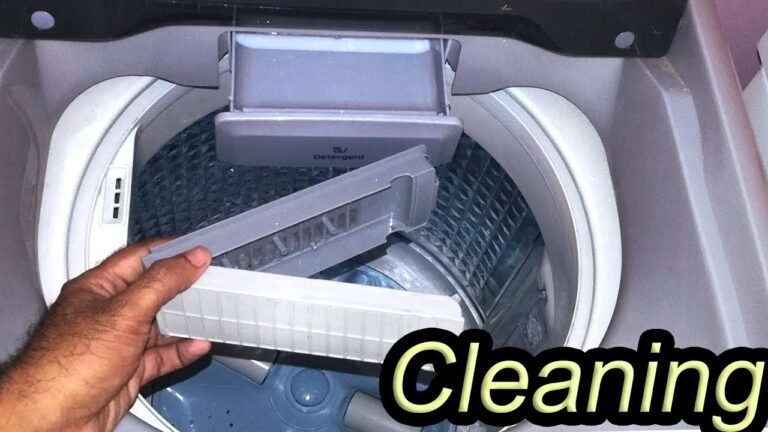
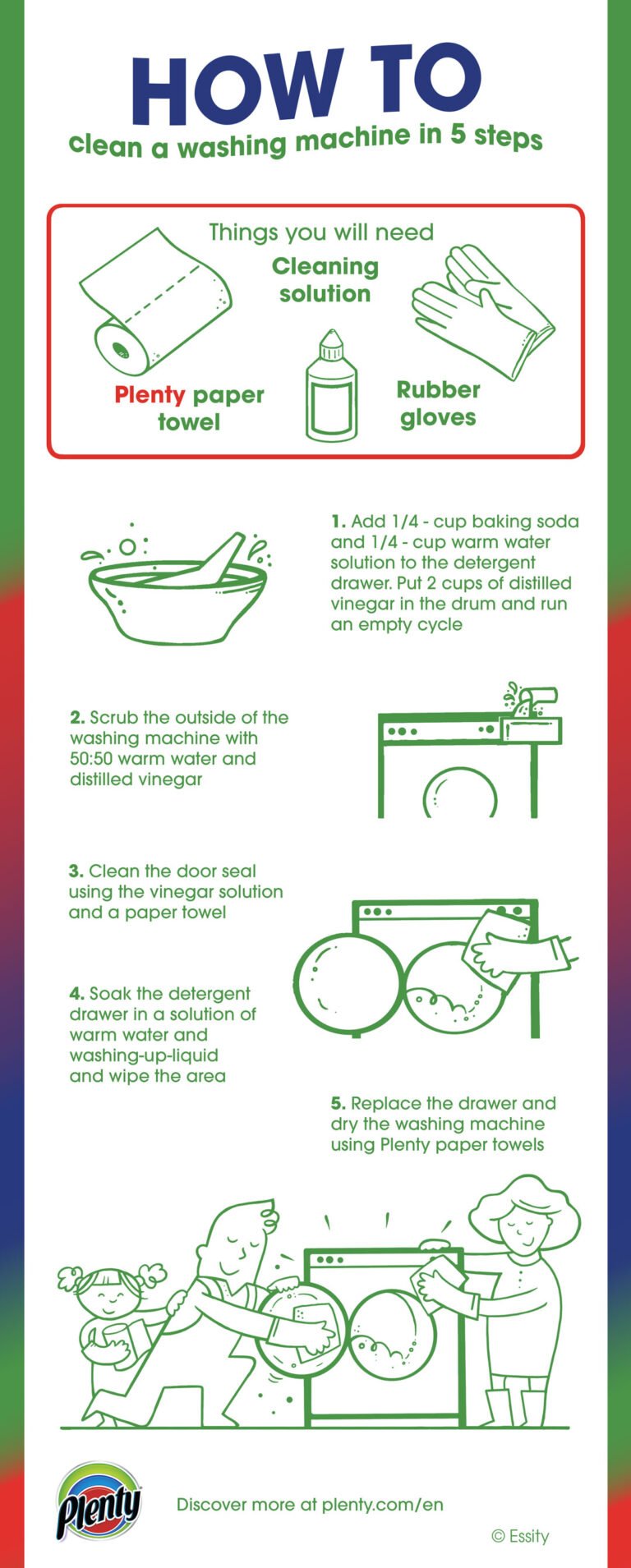
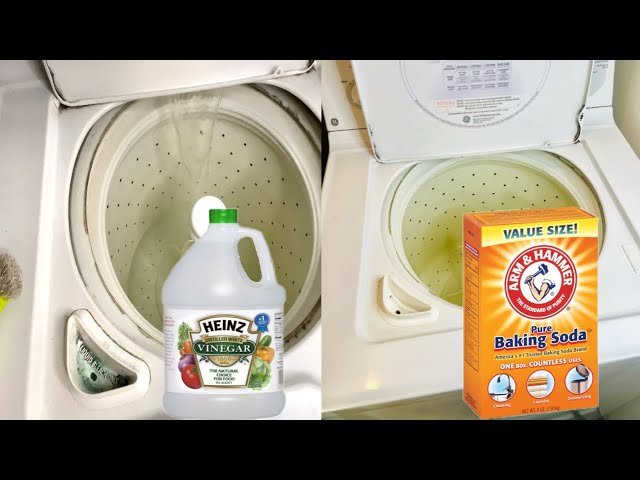
- Top load washers: Use hot water with bleach or washing machine cleaner monthly. Agitate the water and let soak for an hour before draining and rinsing.
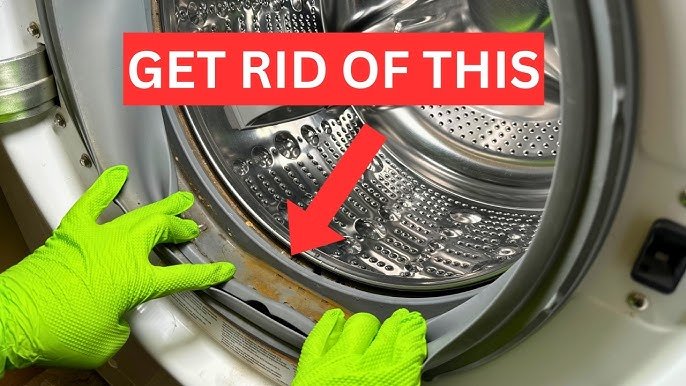
- Front load washers: These guys get funky quick. Regularly wipe rubber gaskets and leave the door open after use to prevent odor buildup. Run a cleaning cycle once a month using specialized front load washer cleaning products.
Neglecting these tasks often leads to those dreaded error codes and annoying smells, which no reset can override.

Source: www.youtube.com
Safety First, Always
Don’t be that person who pokes around the machine while it’s plugged in. Always unplug before digging in, resetting, or cleaning. Never try to force open the door mid-cycle if it’s locked—that’s a quick way to damage your machine or get zapped.
Washing Machine Maintenance Checklist
| Task | Recommended Frequency | Purpose/Benefit |
|---|---|---|
| Run Washer Cleaning Cycle | Monthly | Prevents odor and residue buildup that cause errors |
| Wipe Door Seals and Gaskets | Weekly | Stops mold and mildew from forming |
| Check and Clean Drain Pump Filter | Every 3 months | Ensures proper draining and avoids clogs |
| Inspect Hoses for Leaks or Damage | Every 6 months | Prevents water damage and failure |
| Unplug and Perform Reset | As needed | Clears errors and resets machine software |
Still Stuck? Helpful Resources
If the reset routine didn’t do the trick, try watching a visual walkthrough to see the steps in action. This Whirlpool Washer Reset & Recalibration video on YouTube is packed with great tips that can make the process crystal clear.
Or maybe you own a newer Maytag or Whirlpool model and want a tailored reset approach that’ll skip the frustrating trial and error. Check out this video guide for resetting recent models that covers precise sequences required for your machine.
Lastly, the official Whirlpool Product Help page offers manufacturer-backed reset instructions and troubleshooting insights you can trust.
If you treat your Whirlpool washer like you would a trusty workhorse—clean it, maintain it, and reset it when it throws a fit—you’ll save trip after trip to the repair shop. Laundry day will feel less like a battle and more like a breeze.

With over 15 years of hands-on experience in the appliance repair industry, Erick Jackson is WashingMachineCare’s resident gearhead. He holds multiple manufacturer certifications and specializes in breaking down complex mechanical failures into easy, step-by-step DIY fixes. When he’s not covered in grease, Erick Jackson enjoys restoring vintage washing machines to their former glory.